
Download Magic Window 4K – Relaxing 4K Screensaver for Windows, macOS, Android & iOS
Overview
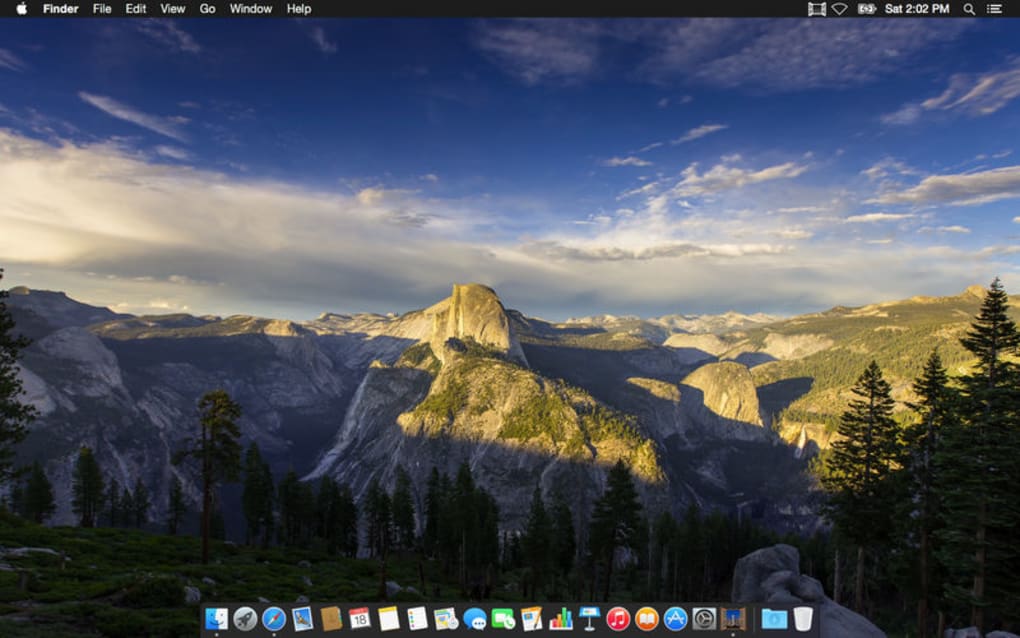
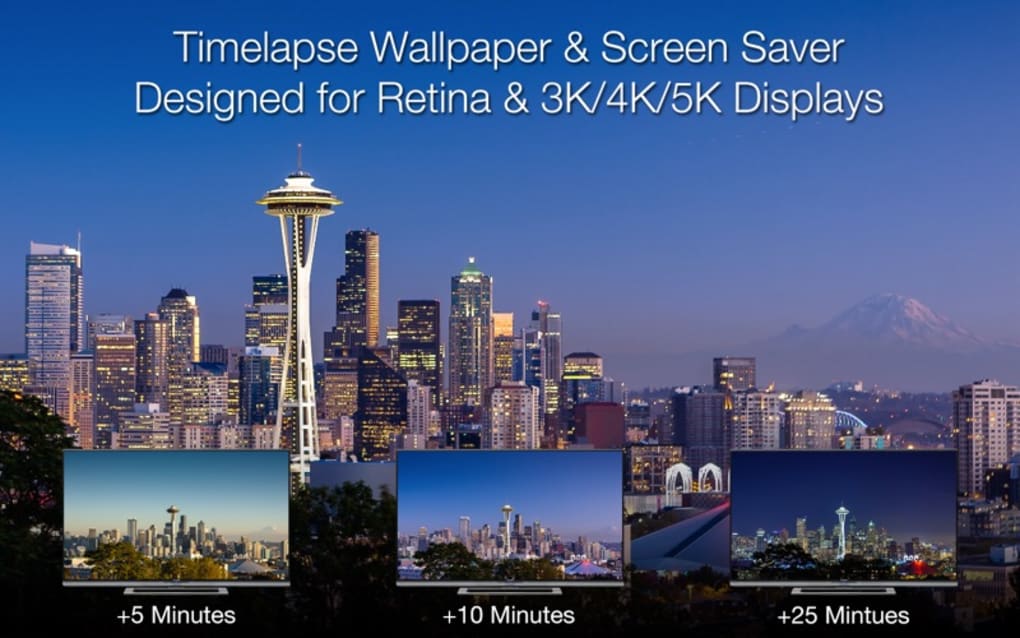
Magic Window 4K is a beautifully crafted screen‑saver application that transforms idle moments into a serene visual retreat. Designed with relaxation in mind, the app streams pristine 4K timelapse footage of natural landscapes—think sunrise over mountains, gentle ocean waves, and misty forest glades—directly onto your desktop or mobile screen. Whether you’re stepping away from a demanding project, waiting for a download to finish, or simply looking for a calming backdrop while you work, Magic Window 4K offers a seamless, high‑definition experience that helps reduce eye strain and mental fatigue.
The interface is intentionally minimalist, allowing you to focus on the scenery rather than complex settings. Yet, for power users, a suite of customization options is available: you can select specific themes, adjust transition speeds, set a schedule for different scenes, and even upload your own 4K footage to personalize the display. The app runs silently in the background, consuming minimal system resources, and it updates its library automatically when connected to the internet, ensuring fresh content without manual intervention.
Magic Window 4K is free to download, with optional in‑app purchases for premium packs, and it adheres to strict privacy standards, storing no personal data beyond what is necessary for operation. In short, it’s a secure, low‑maintenance tool that brings a touch of nature’s tranquility to any screen.
Key Features & Platform Compatibility
- Ultra‑high‑definition 4K timelapse videos captured from around the world.
- Multiple themes including sunrise, sunset, forest, ocean, and night sky.
- Customizable transition effects and timing controls.
- Option to upload personal 4K footage for a fully personalized experience.
- Automatic library updates with fresh seasonal content.
- Low‑CPU usage mode for older hardware.
- Screen‑off mode that pauses playback when the monitor sleeps.
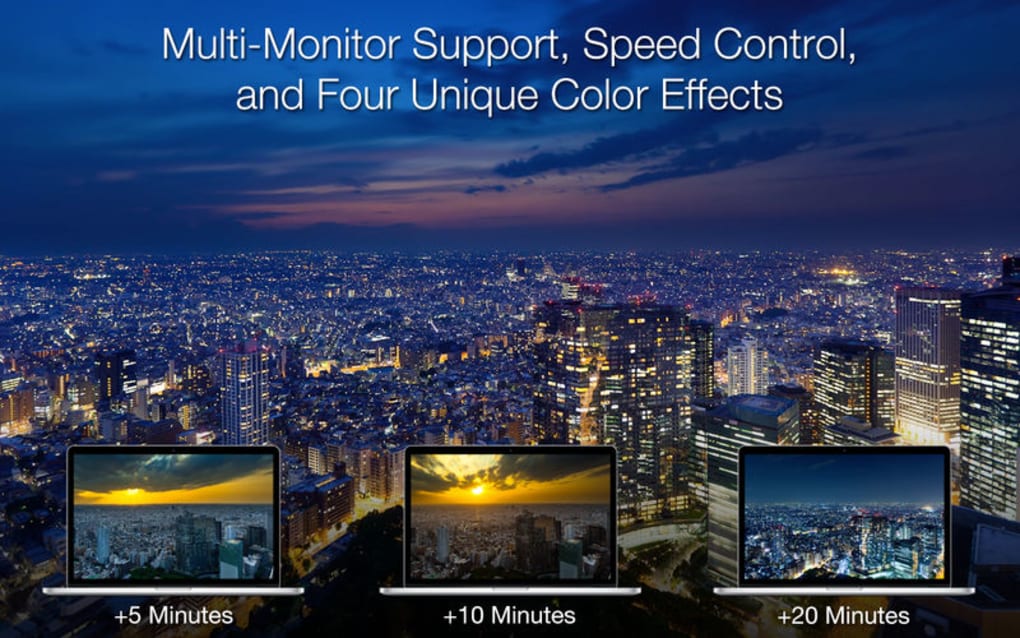
- Support for multiple monitors and different aspect ratios.
- Secure, ad‑free environment with optional premium content packs.
- Cross‑platform availability for Windows 10/11, macOS 10.15+, Android 8.0+, and iOS 13+.
The application has been engineered to run natively on the major operating systems. For Windows, Magic Window 4K supports both 64‑bit and 32‑bit architectures, integrating smoothly with the native screensaver settings panel. macOS users benefit from a dedicated System Preferences pane that lets you toggle the screensaver on a per‑display basis. On Android and iOS, the app appears as a live wallpaper, allowing you to set it as the default background or activate it during idle moments.
This broad compatibility ensures that whether you’re on a high‑end gaming rig, a modest laptop, or a mobile device, you can enjoy the same level of visual fidelity and performance. The developers have also included accessibility options, such as captioning for video titles and a high‑contrast UI mode, making the tool usable for a diverse audience. In addition, the software adheres to the latest security standards, employing HTTPS for all content downloads and sandboxing the playback engine to protect your system from potential threats.
Installation, Usage & Pros / Cons
Step‑by‑Step Installation
Downloading Magic Window 4K is straightforward. Visit the official website or your device’s app store, click the “Download” button, and the installer will launch automatically. On Windows, run the .exe file, accept the license agreement, and choose the installation directory (the default is recommended). macOS users simply drag the app into the Applications folder.
For Android, tap “Install” from the Play Store, and for iOS, tap “Get” in the App Store. After installation, launch the program; the first run will prompt you to grant permission to access your display settings and storage (if you intend to upload personal footage). The app then performs a quick hardware check to ensure optimal performance and offers to download the latest content pack.
Once completed, you can select your preferred theme, adjust timers, and enable the screensaver from the system settings panel.
How to Use Effectively
To start the screensaver, simply let your computer or device become idle for the configured time, or manually activate it via the shortcut provided in the app’s toolbar. The interface includes a preview window where you can test different scenes before committing. Advanced users can schedule specific themes for different times of day—e.g., a sunrise timelapse in the morning and a starry night sky after sunset—by using the built‑in scheduler. The “Upload Your Own” feature accepts MP4 files up to 4 GB, automatically converting them to the optimal resolution for smooth playback. If you notice any performance hiccups, switch to “Low‑CPU Mode” in the settings, which reduces frame rate without compromising visual quality.
Pros
- Stunning 4K visuals that enhance any workspace.
- Low resource consumption, even on older hardware.
- Highly customizable with scheduling and personal uploads.
- Cross‑platform support ensures consistent experience.
- Free core version with optional premium packs.
Cons
- Premium content requires additional purchase.
- Initial download of high‑resolution assets can be data‑intensive.
- No built‑in audio; users must add their own soundtracks if desired.
- Advanced scheduling may be confusing for first‑time users.
FAQ & Conclusion
Is Magic Window 4K completely free?
The core application and a selection of themes are free to download and use. Premium theme packs and advanced scheduling features are available as optional in‑app purchases.
Can I use my own videos as a screensaver?
Yes. The app supports uploading personal 4K MP4 files up to 4 GB. Uploaded videos are automatically optimized for smooth playback.
How much CPU and RAM does Magic Window 4K consume?
In standard mode, the app uses less than 5 % of CPU and 150 MB of RAM on a typical modern system. Enabling Low‑CPU Mode can reduce usage further, making it safe for older machines.
Is the software safe and private?
Magic Window 4K follows industry‑standard security practices, uses HTTPS for all data transfers, and does not collect personal identifiers beyond what is necessary for updates and optional premium purchases.
What operating systems are supported?
The app runs on Windows 10/11 (both 64‑bit and 32‑bit), macOS 10.15+ (Catalina and later), Android 8.0+ and iOS 13+. Multi‑monitor setups are fully supported on desktop platforms.
Conclusion – Bring Calm to Your Screen Today
Magic Window 4K stands out as a premium‑quality, low‑impact screensaver that turns ordinary downtime into a calming visual escape. Its 4K timelapse library, combined with flexible customization and broad OS support, makes it an ideal tool for professionals, students, and anyone who spends long hours in front of a screen. By delivering a secure, ad‑free environment and respecting user privacy, the app earns trust while enhancing productivity through reduced eye strain and mental fatigue.
Whether you choose the free core version or decide to invest in premium nature packs, the experience is seamless and instantly uplifting. Ready to transform your workspace into a window to the natural world? Download Magic Window 4K now and start enjoying a serene, high‑definition backdrop the moment your screen goes idle.







